Flowers - Field
A Story with a lot of ups and downs

Flowers Field. This environment is a story. I would say it took about three months to create. There were a lot of ups and downs during its development, many difficulties and challenges. I learned a tremendous amount.
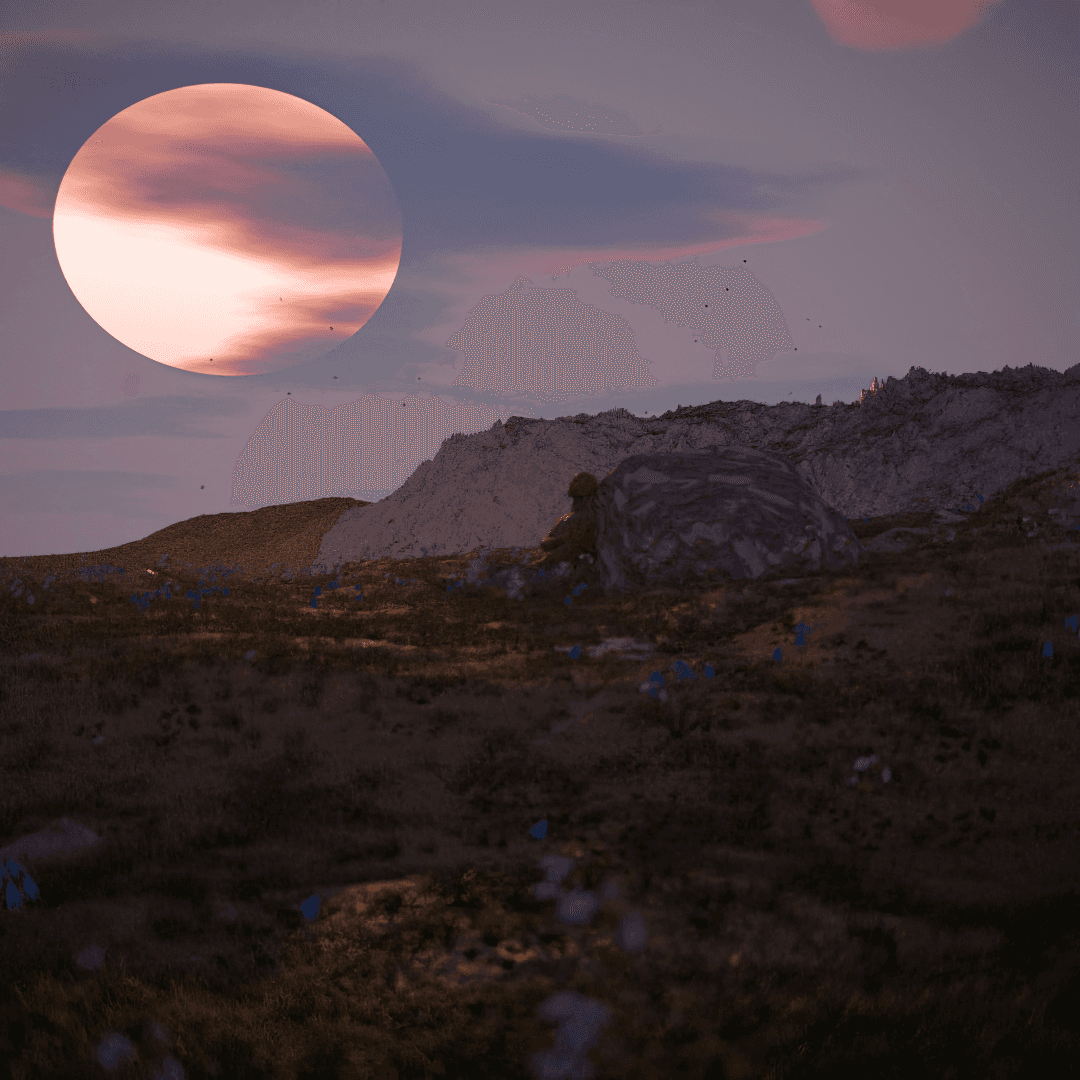
On this terrain, I approached texture separation differently. It’s still based on a splat map, but this time I used an RGB system, specifically the Separate RGB node, which made the entire workflow much easier. It allowed me to avoid using a Greater Than node and a ColorRamp. It genuinely made the process much simpler.
The second major challenge of this environment was the scattering. It was quite different because I tested two completely different scattering systems on this terrain. One was primarily done using Gscatter, but the scene was too heavy and not sustainable for rendering, even with 64 GB of RAM. So I chose another option, because I want my clients to be able to use this product completely for free.
So I went with Biome Reader. The add-on is free, especially if you want to make modifications. However, the issue is that BiomeReader does not provide camera culling like Gscatter does. Because of that, I had to improvise and build my own system to achieve very precise culling, making the product usable across different platforms and hardware capabilities.
Of course, I strongly recommend at least 32 GB of RAM. Rendering with 16 GB is, in my opinion, not possible.
I then optimized both the simplified and advanced versions, mainly through something that might be a bit complex to understand: a weight paint-based SplatMap culling system.
First, I used weight painting. I placed two planes diagonally relative to the camera to perform culling. It’s somewhat effective.
Then comes the terrain logic: there is rock and there is soil. You don’t need plants on rock. So I used the Weight Edit modifier to import the SplatMap and directly stamp it onto the terrain through weight paint. After that, I inverted the red and blue channels so that rock becomes blue and soil becomes red, allowing for a clear rock/soil separation. And honestly, it works much better this way.
For Gscatter, you typically use a black-and-white splat map through an Image Texture in the add-on. I believe the script relies on the alpha channel to determine where to place vegetation. So it’s essentially the same concept, but implemented through weight painting, if you understand the idea.
That was one of the challenges. The part that will probably interest most of you is the fauna. We’ve covered the flora, now let’s move on to the fauna.
This environment is not just a terrain. It includes both fauna and flora. Unfortunately, there’s no water yet. I haven’t found a proper method to create the kind of river I want. So for now, you’ll only have fauna and flora.
For the fauna, I used a LAZY3D add-on called Fauna Master Pro. It allows you to populate wildlife in just a few clicks, along with realistic behavioral relationships.
In the scene you’ll receive, there are typically foxes, sparrows, pigeons, butterflies, and bees. I believe there are also hawks and osprey hawks. Those are idle they don’t move, they’re just perched. You’ll see them in the renders anyway.
The add-on is very easy to use. As you’ll notice, it includes multiple collections, such as an “Evasion” collection, where predators are assigned.
As a result, whenever a predator approaches, peaceful animals will move away. It’s all based on Geometry Nodes, which is quite powerful.
So yes, these were the three main challenges of this environment. A major learning experience. I prayed a lot constantly as it says in the Bible: pray without ceasing, because this was not my comfort zone. I had to learn. And not just one step, every part of this environment was a learning process. Nothing was easy.
As for the sky, I didn’t struggle much to find a decent HDRI. I used PSA (Physical Starlight and Atmosphere). It’s very simple, optimized, and efficient for rendering. Honestly, it’s the easiest solution. No one wants to use a True VFX setups when working with only 32 to 64 GB of RAM.
That’s about it. Have a good evening.
year
2026
timeframe
02/2026 - 06/2026
tools
Blender / CC4
category
Personal Project
01

02
03


